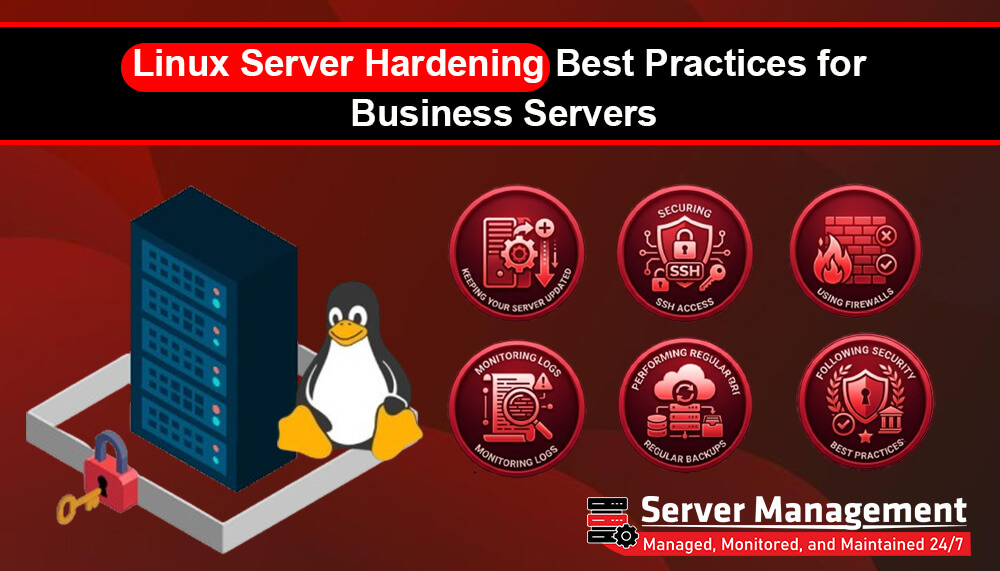
Linux Server Hardening Best Practices for Business Servers
Linux servers are widely used by businesses because they are stable, secure, and reliable. They power business websites, cloud applications, databases, email services, and many other critical systems. However, installing a Linux server is only the first step. To protect your business from cyber threats, your server should be properly secured. This process is known as Linux server hardening. For businesses in Sri Lanka, following Linux server hardening best practices can help reduce security risks, improve server stability, and protect valuable business data.
What Is Linux Server Hardening?
Linux server hardening is the process of improving server security by reducing vulnerabilities and protecting the system from unauthorized access. It involves changing default settings, applying security updates, restricting access, and monitoring the server regularly. A properly hardened Linux server is much more secure than a default installation.
Why Server Hardening Is Important
Business servers often store important information such as:
- Customer data
- Business emails
- Website files
- Databases
- Financial information
Without proper security, these systems may become targets for cyber attacks. Server hardening helps businesses protect their services and reduce downtime.
1. Keep Your Linux Server Updated
One of the easiest ways to improve server security is to install the latest updates. Software updates often include:
- Security patches
- Bug fixes
- Performance improvements
Keeping your operating system and installed software updated helps protect your server from known vulnerabilities.
2. Use Strong Passwords
Weak passwords are one of the most common security risks. Create passwords that are:
- Long
- Unique
- Difficult to guess
- Different for every account
Avoid using simple passwords such as "admin123" or your company name.
3. Disable Root Login Through SSH
Allowing direct root login increases security risks. Instead:
- Create a separate administrator account
- Use sudo privileges
- Disable direct root SSH access
This adds an extra layer of protection for your Linux server.
4. Change the Default SSH Port
Many automated attacks target the default SSH port. Changing the SSH port can help reduce automated login attempts and unwanted scans. While this should not replace other security measures, it can improve overall server protection.
5. Enable a Firewall
A firewall helps control incoming and outgoing network traffic. A properly configured firewall can:
- Block unauthorized access
- Allow only required services
- Reduce security risks
Firewalls are an essential part of every business server.
6. Use SSH Key Authentication
Instead of relying only on passwords, use SSH keys for server access. SSH key authentication provides:
- Stronger security
- Better protection against brute force attacks
- More secure remote server management
Many businesses use SSH keys as part of their standard security practices.
7. Remove Unnecessary Software
Only install software that your server actually needs.
Unused applications may:
- Increase security risks
- Consume system resources
- Create additional vulnerabilities
Keeping your server clean helps improve both security and performance.
8. Monitor Server Logs
Server logs record important system activity. Regularly reviewing logs can help identify:
- Failed login attempts
- Suspicious user activity
- Service errors
- Security events
Early detection allows administrators to respond before problems become serious.
9. Perform Regular Backups
Backups are an important part of server security. Regular backups help you recover quickly if your server experiences:
- Hardware failures
- Malware attacks
- Human errors
- Data corruption
Always test your backups to ensure they can be restored successfully.
10. Monitor Server Performance
Monitoring helps identify problems before they affect your business. Keep track of:
- CPU usage
- Memory usage
- Disk space
- Network activity
- Running services
Continuous monitoring improves server reliability and reduces downtime.
11. Use Security Tools
Linux provides many security tools that help protect servers. These tools can help with:
- Intrusion prevention
- Malware detection
- File integrity monitoring
- Login protection
Using multiple security layers provides better protection than relying on a single solution.
12. Review User Accounts Regularly
Only authorized users should have access to your server. Regularly:
- Remove unused accounts
- Update user permissions
- Review administrator access
- Disable inactive users
Proper account management helps reduce security risks.
Common Business Servers That Need Hardening
Linux server hardening is recommended for:
- Web servers
- VPS servers
- Dedicated servers
- Cloud servers
- Database servers
- Application servers
- Email servers
Every business server should be protected with appropriate security measures.
Why Professional Server Management Matters
Linux server security requires regular monitoring, updates, and maintenance. Professional server management helps businesses:
- Improve server security
- Apply security updates
- Monitor server health
- Optimize performance
- Respond quickly to security issues
This allows businesses to focus on their operations while experienced professionals manage their server infrastructure.
Secure Your Linux Servers with ServerManagement.lk
At ServerManagement.lk, we provide professional Linux server management services for businesses in Sri Lanka. Our experienced team helps with:
- Linux server management
- Server security hardening
- Performance optimization
- Server monitoring
- Security updates
- Technical support
Whether you manage a VPS, dedicated server, or cloud server, our experts can help keep your infrastructure secure, stable, and running efficiently.
Final Thoughts
Linux server hardening is one of the most important steps in protecting your business infrastructure. By keeping your server updated, securing SSH access, using firewalls, monitoring logs, performing regular backups, and following security best practices, businesses can significantly reduce security risks. For businesses in Sri Lanka that rely on Linux servers, professional server management can provide the expertise needed to maintain a secure and reliable server environment throughout the year.

