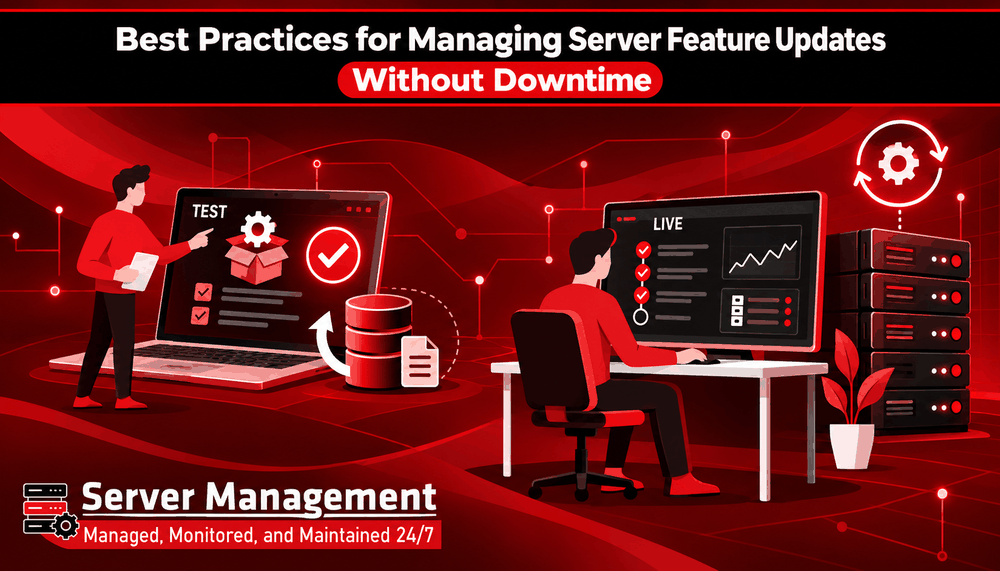
Best Practices for Managing Server Feature Updates Without Downtime
Server updates are an important part of keeping websites, applications, and business systems secure and reliable. Updates can fix security problems, improve performance, fix errors, and add new features. However, making changes to a live server without proper planning can sometimes cause service interruptions. For businesses, even a short period of downtime can affect customers and daily operations. This is why server updates should be planned and handled carefully.
What Are Server Updates?
Server updates can include operating system updates, software updates, security patches, control panel updates, database updates, and other changes to server settings. Some updates are small and can be completed quickly, while others may require a server restart or changes to important services. Before applying an update, it is important to understand what will change and how it could affect the services running on the server.
1. Check the Update Before Installing It
Do not install every update without checking what it does first. Read the update information and check whether it includes security fixes, bug fixes, new features, or changes that could affect your software. Also check whether the update has any special requirements. This simple step can help you avoid unexpected problems.
2. Take a Backup First
Always have a recent backup before making major server changes. A backup gives you a way to recover important files and data if something goes wrong during the update. It is also important to check that your backup is working correctly and that the data can actually be restored. For important servers, businesses should have a clear recovery plan instead of relying only on a backup notification.
3. Test Important Updates First
If possible, test major updates in a testing or staging environment before applying them to the live server. Testing can help identify problems with websites, databases, applications, plugins, or other services before customers are affected. This is especially important for major software updates and changes that can affect several services. You do not always need a separate testing server for every small update, but important changes should be tested whenever possible.
4. Choose the Right Time for Updates
Some updates may require a restart or temporarily stop a service. For this reason, choose a maintenance time when fewer people are using the system. For a business website, application, or online service, late-night or low-traffic periods may be more suitable. If downtime is expected, inform users or customers before the maintenance begins. Having a planned maintenance window makes server updates easier to manage and reduces unexpected interruptions.
5. Update One Step at a Time
Avoid making many major changes at the same time. If several updates are required, apply them carefully and check the server after each important change. This makes it easier to find the cause if something stops working. For servers with multiple systems or services, a step-by-step approach can reduce the risk of affecting everything at once.
6. Monitor the Server After the Update
The work is not finished when the update is installed. Check whether the website, applications, databases, email services, and other important services are working correctly. Monitor CPU, RAM, storage, network activity, and system logs for unusual problems. Regular monitoring can help identify issues before they become serious.
7. Keep a Record of Changes
Keep a simple record of the updates made to your server. Write down what was updated, when it was updated, and whether any problems occurred. This information can be useful when troubleshooting future issues or planning the next maintenance. Good records also make it easier for another technician to understand what has already been changed.
8. Have a Rollback Plan
Sometimes an update may not work as expected. Before starting an important update, know what you will do if something goes wrong. Depending on the server and update, this may involve restoring a backup, using a snapshot, reverting a software version, or following the vendor's recovery process. Having a recovery plan ready can reduce the time needed to bring services back online.
Why Proper Server Management Matters
Server updates are necessary, but they should not be treated as a simple “click and update” task. A good process includes checking the update, taking backups, testing important changes, choosing a suitable maintenance time, and checking the server afterwards. For businesses that do not have an in-house technical team, professional server management can also help reduce the work involved in regular maintenance.
Server Management for Your Business
Server Management provides server-related solutions for businesses that need help with server configuration, security, optimisation, and management. Proper server management can help businesses keep their systems updated while reducing the risk of avoidable problems. Whether you manage a website, business application, VPS, or dedicated server, having a planned maintenance process can make server updates safer and easier. Explore Server Management to learn more about hosting and server solutions for your business.
Final Thoughts
Server updates are important for security, performance, and reliability. But updating a live server without preparation can create unnecessary downtime. By checking updates before installing them, keeping reliable backups, testing important changes, choosing the right maintenance time, and monitoring the server afterwards, businesses can make updates safer and reduce service interruptions. A planned approach to server maintenance helps keep your website and business systems running smoothly.

