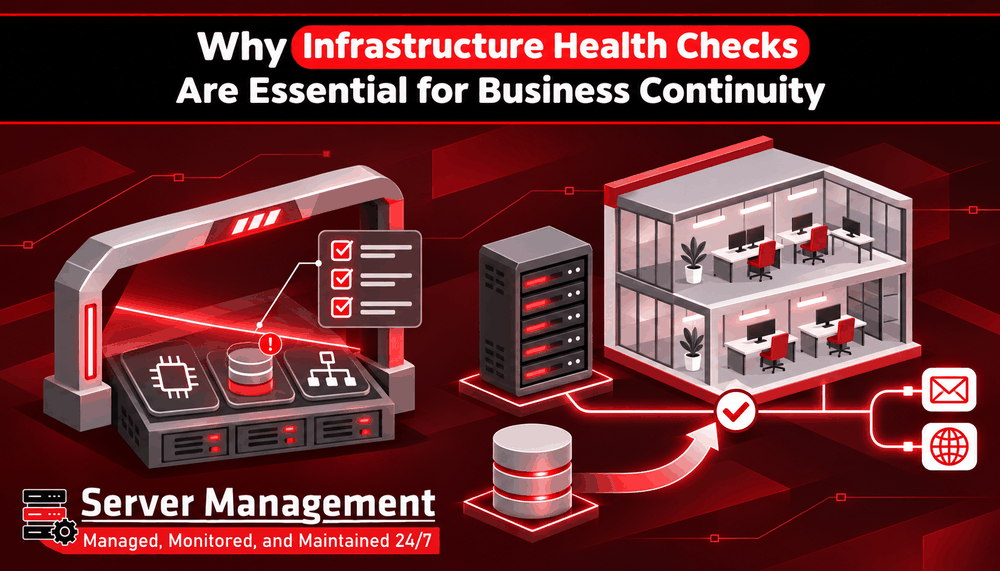
Why Infrastructure Health Checks Are Essential for Business Continuity
Businesses depend on servers, networks, databases, and applications to manage their daily operations. These systems support websites, emails, online transactions, customer records, and important business applications. If one of these systems stops working, it can affect several parts of the business.
Some infrastructure problems happen suddenly, while others develop slowly over time. For example, storage space may gradually become full, server performance may decrease, or security updates may be missed. Regular infrastructure health checks help identify these issues before they cause serious problems. For businesses that depend on digital services, checking infrastructure health is an important part of maintaining business continuity.
What Are Infrastructure Health Checks?
Infrastructure health checks are regular reviews of the systems and resources that keep a business running. They help IT teams understand whether servers, networks, storage systems, and other important components are working correctly. A health check looks beyond whether a server is switched on. It also checks whether the server has enough resources, whether important services are running, and whether the system is secure and stable.
These checks can include:
- Server CPU and memory usage
- Available disk space and storage health
- Network connectivity and performance
- Operating system updates and security patches
- Running services and applications
- Database performance and availability
- Backup status and recovery readiness
- Server logs and security warnings
By reviewing these areas, businesses can find weaknesses and take action before they affect important services.
Why Are Infrastructure Health Checks Important for Business Continuity?
1. Reduce Unexpected Downtime
Unexpected downtime can stop employees from accessing business systems, prevent customers from using websites, and interrupt important services. For example, if a business server runs out of storage space, websites and applications may stop working correctly. Regular health checks can identify low storage levels early, giving the technical team time to increase capacity or remove unnecessary files. Finding these problems early helps reduce the risk of unexpected service interruptions.
2. Identify Performance Problems Early
A server may continue running even when its performance is getting worse. High CPU usage, limited memory, slow storage, or network problems can make websites and applications respond slowly. During a health check, IT teams can review resource usage and compare current performance with previous records. This helps identify unusual changes and understand whether the server needs optimisation or additional resources. Maintaining good performance helps employees work efficiently and gives customers a better experience.
3. Improve Security and Reduce Risks
Outdated software, weak security settings, and unnecessary services can create security risks. If these issues are not identified, attackers may find ways to access business systems. Infrastructure health checks should include reviewing operating system updates, security patches, firewall settings, user permissions, and running services. These checks help identify security weaknesses and give technical teams an opportunity to fix them before they become serious problems.
4. Protect Important Business Data
Business data is one of the most valuable resources an organisation has. Customer details, financial records, emails, and business documents must remain available and protected. Health checks should include reviewing backup schedules, backup results, storage capacity, and available recovery options. It is also important to test whether backups can actually be restored. A backup that cannot be recovered may not help when a server failure or data loss occurs. Regular checks help businesses improve their ability to recover important information when something goes wrong.
5. Support Better Business Planning
Infrastructure requirements change as a business grows. More customers, employees, website visitors, and business applications can increase the demand on servers and networks. Health check reports help businesses understand how their infrastructure is being used. They can identify systems that are reaching their limits and estimate when additional resources may be needed. This allows businesses to plan upgrades and improvements instead of waiting until performance problems affect daily operations.
6. Improve Recovery and Business Continuity Planning
Finding a problem is only one part of infrastructure management. Businesses must also know how to respond when a critical system fails. Health checks can help identify weaknesses in backup systems, recovery plans, monitoring, and server configurations. When these areas are reviewed regularly, technical teams can improve recovery procedures and reduce the time needed to restore important services.
How Often Should Infrastructure Health Checks Be Performed?
The frequency depends on the size of the infrastructure, the type of business, and how important its systems are. Continuous monitoring is useful for identifying problems such as high resource usage, service failures, and unusual activity. More detailed health checks should also be performed regularly to review configurations, security, storage, backups, and overall performance.
Businesses should also perform additional checks after major changes, such as server upgrades, software installations, migrations, or network changes. The important thing is to follow a planned schedule rather than checking infrastructure only when something goes wrong.
Why Professional Server Management Matters
Infrastructure health checks require technical knowledge and regular attention. Finding a problem is not enough; it must also be investigated and corrected properly. Professional server management helps businesses maintain their server environments through monitoring, maintenance, security updates, performance optimisation, and technical support. ServerManagement.lk provides server management services to help businesses maintain reliable, secure, and properly managed server environments. With the right management and regular infrastructure health checks, businesses can reduce technical risks, improve system performance, and keep important services running.
Keep Your Business Infrastructure Healthy with ServerManagement.lk
Business continuity depends on more than having servers and applications. Those systems must be checked, maintained, and prepared to handle everyday workloads and unexpected problems. Regular infrastructure health checks help identify risks early, protect important data, reduce downtime, and support future business growth. If your business depends on servers and online services, make infrastructure health checks part of your regular IT maintenance plan.

